Understanding Coinbase: How to Use and Navigate the Platform for Cryptocurrency Transactions
Welcome to the world of cryptocurrency! Whether you are a seasoned investor or just beginning your journey, Coinbase is likely a name you have come across. Being one of the largest and most popular cryptocurrency exchanges, it offers a user-friendly platform for buying, selling, and storing various cryptocurrencies such as Bitcoin, Ethereum, and more. In this article, we will guide you through the process of using and navigating Coinbase, so you can make the most out of your cryptocurrency transactions.
Coinbase Account Setup
The first step in using Coinbase is to create an account. Head over to the Coinbase website and click on the “Get Started” button. You will be asked to provide your name, email address, and create a password. Make sure to choose a strong password to protect your account. Once you complete the registration process, Coinbase will send you a verification email to confirm your email address. Click the link within the email, and voila! Your Coinbase account is now ready to use.
Subscribe to our Social Media for Exclusive Crypto News and Insights 24/7!
Adding a Payment Method

Before you can start buying cryptocurrencies on Coinbase, you need to link a payment method to your account. Click on your profile icon at the top right corner of the Coinbase dashboard, and select “Settings” from the dropdown menu. In the “Payment Methods” section, click on the “+ Add a Payment Method” button. You can choose to add a bank account or a debit/credit card as your payment method. Follow the instructions to link your preferred payment option securely.
Buying and Selling Cryptocurrencies
Now that your account is set up and your payment method is linked, you are ready to buy your first cryptocurrency. On the Coinbase dashboard, click on the “Trade” button. You will be presented with a list of cryptocurrencies available for trading. Select the cryptocurrency you want to buy, choose your payment method, and enter the amount you wish to purchase. Coinbase will display the current price and any applicable fees. Confirm your purchase, and the cryptocurrency will be added to your Coinbase wallet.
If you decide to sell your cryptocurrencies, the process is equally straightforward. Navigate to the “Trade” page, choose the cryptocurrency you want to sell, select your preferred payment method, enter the amount, and confirm the sale. The funds will be deposited into your linked payment option.
Securing Your Coinbase Account
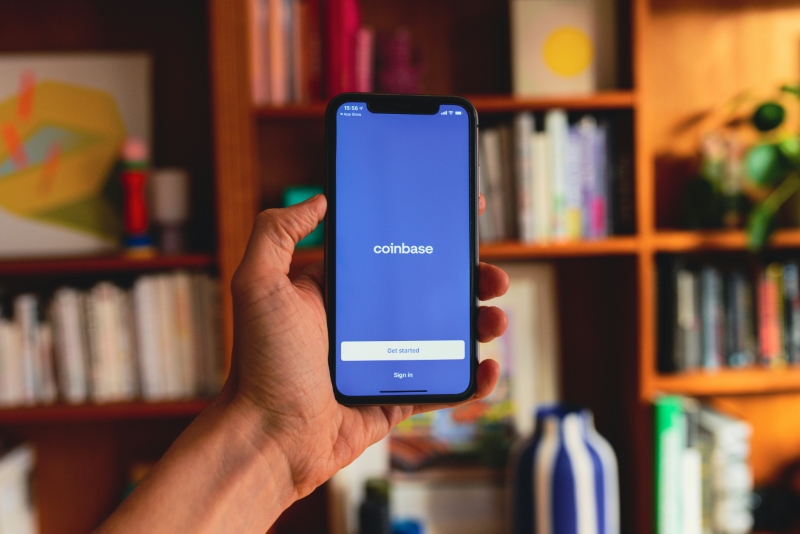
As with any online platform, maintaining the security of your Coinbase account is crucial. Coinbase offers several security features to protect your funds. Enable two-factor authentication (2FA) to add an extra layer of security to your account. This can be done by visiting the “Security” section in your account settings. You can choose between SMS-based 2FA or using an authentication app like Google Authenticator.
Additionally, Coinbase provides the option to set up a passphrase that acts as an additional security measure for your account. This passphrase is required to perform certain account actions such as withdrawing funds. Make sure to create a strong passphrase and store it securely.
Coinbase Fees and Limits
It is essential to be aware of the fees and limits associated with using Coinbase. While fees may vary depending on your location and the type of transaction, Coinbase generally charges a percentage fee for each buy or sell transaction. These fees are clearly displayed during the transaction process, allowing you to make informed decisions.
In terms of limits, Coinbase sets different limits for different account levels. Initially, your account may have lower limits, but these can be increased by completing certain verification steps. To increase your limits, you may need to provide additional identification documents. This verification process helps ensure the security and compliance of the platform.
Frequently Asked Questions (FAQs)
Q: Is Coinbase available in my country?
A: Coinbase operates in various countries around the world. Visit the Coinbase website to check if your country is supported.
Q: Can I store my cryptocurrencies on Coinbase?
A: Yes, Coinbase provides a secure wallet where you can store your cryptocurrencies. However, it is generally recommended to transfer your cryptocurrencies to a personal wallet for added security.
Q: What cryptocurrencies can I buy on Coinbase?
A: Coinbase offers a wide range of cryptocurrencies, including Bitcoin (BTC), Ethereum (ETH), Litecoin (LTC), and many more.
Q: Can I use Coinbase on my mobile device?
A: Yes, Coinbase has a mobile app available for iOS and Android, making it convenient to manage your cryptocurrencies on the go.
Q: How long does it take for my transactions to be processed?
A: Processing times may vary depending on network congestion and other factors. Generally, cryptocurrency transactions on Coinbase are processed within a few minutes to a few hours.
Now that you have a better understanding of how to use and navigate Coinbase, you can confidently embark on your cryptocurrency journey. Remember to stay informed, keep an eye on market trends, and always prioritize the security of your funds. Happy investing!